Retrieval first, generation second
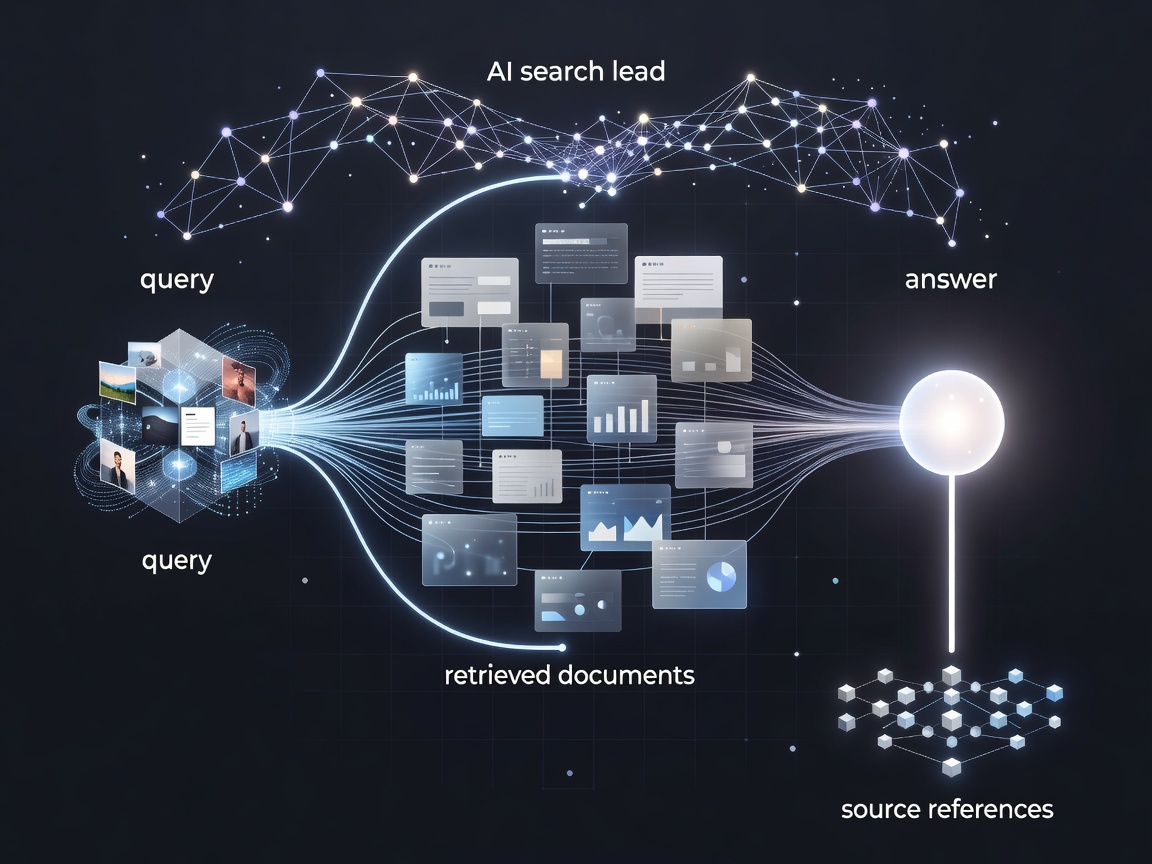
Traditional search typically ranks pages or documents in response to a query. An AI answer system may add a retrieval stage, select passages and ask a language model to synthesise them. In retrieval-augmented generation, the retrieved material is included in the model’s context rather than relying only on knowledge encoded during training. This can connect an answer to newer or specialised sources, but it does not make the retrieval complete or the synthesis faithful by default.
Products and features from Perplexity and Google Search illustrate different ways conversational answers can sit alongside familiar search results. Interfaces evolve, and the precise sources or controls vary. The enduring evaluation question is: can you trace a claim to a relevant original source, and can you see enough context to judge it?
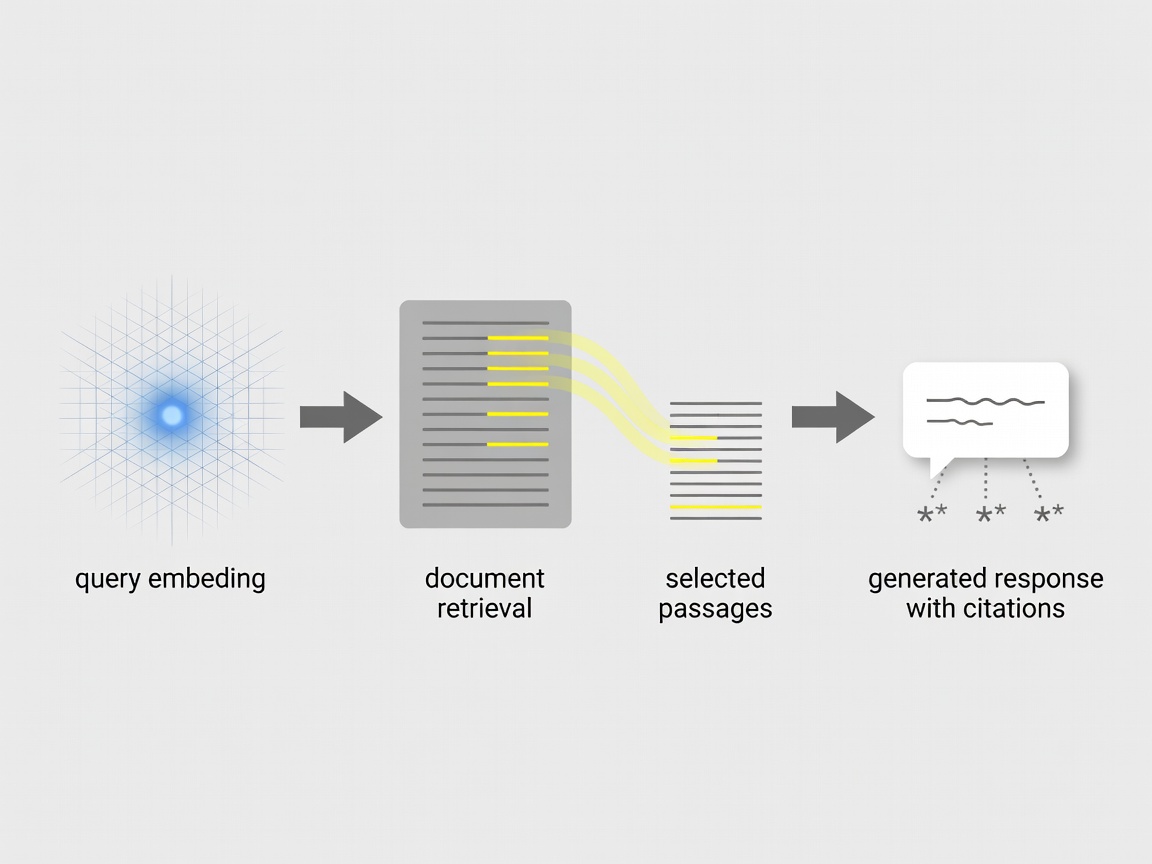
A citation is a pointer to inspect, not a proof stamp for the generated sentence.
What a citation can—and cannot—tell you
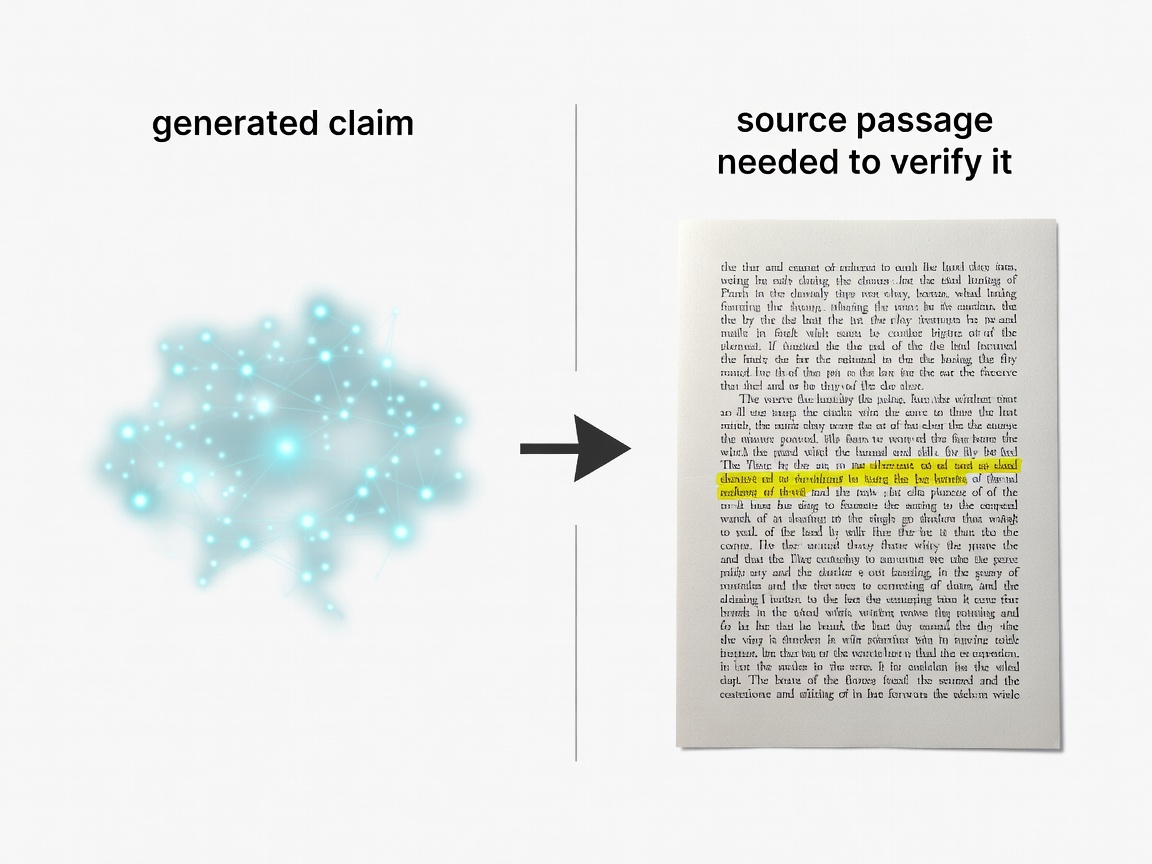
A visible link is useful only if it leads to material that backs the nearby statement. A system can attach a relevant-looking page to a sentence that overstates it, merge claims from separate sources or omit a qualification. Pages may also change, be inaccessible or repeat an error from elsewhere. For important claims, open the source, locate the supporting passage and check its date, author, evidence and scope.
Distinguish primary evidence from commentary. For a policy or product detail, the organisation’s own documentation may be the primary source, though it can have an interested perspective. For scientific claims, inspect the paper and its limitations rather than relying on a summary alone. A generated answer can help you find leads; it should not remove the source-reading step.
Conversational discovery versus classic search
Conversational interfaces are strong when a question needs synthesis, follow-up or a quick map of unfamiliar terminology. They can reduce the friction of translating a broad question into several narrower searches. Classic search remains useful when you want to compare a range of viewpoints, find a particular page, inspect a specialist community or see how results are ranked. Search is not a single method: indexes, ranking systems, answer generators and retrieval pipelines can all shape what becomes visible.
Query wording can also shape retrieval. A confident answer may conceal a thin source set, while a broad answer can blur important distinctions. Ask follow-up questions that test boundaries: “Which source says this?”, “What evidence contradicts it?” or “Is this a primary source?” Then verify that the tool answered the question you meant, not merely a plausible nearby one.
Use a repeatable checking routine
- Identify which parts of the answer are factual claims and which are interpretation.
- Open citations instead of judging only from snippets or source counts.
- Check dates, definitions and whether a page refers to the same place, version or population.
- Look for independent sources when the claim is consequential or disputed.
- Search the original wording or named document if a citation is missing or vague.
For routine discovery, this may take seconds. For health, legal, financial or safety decisions, search output is not a substitute for qualified advice or primary documentation. Do not treat a confident tone, neat source list or generated summary as an accuracy guarantee.
Use AI search to get oriented and generate promising leads. Use the sources themselves to establish what is actually supported.
For systems that can also take actions, read our AI assistants guide. To trace code recommendations to repository context and tests, continue to AI coding.